
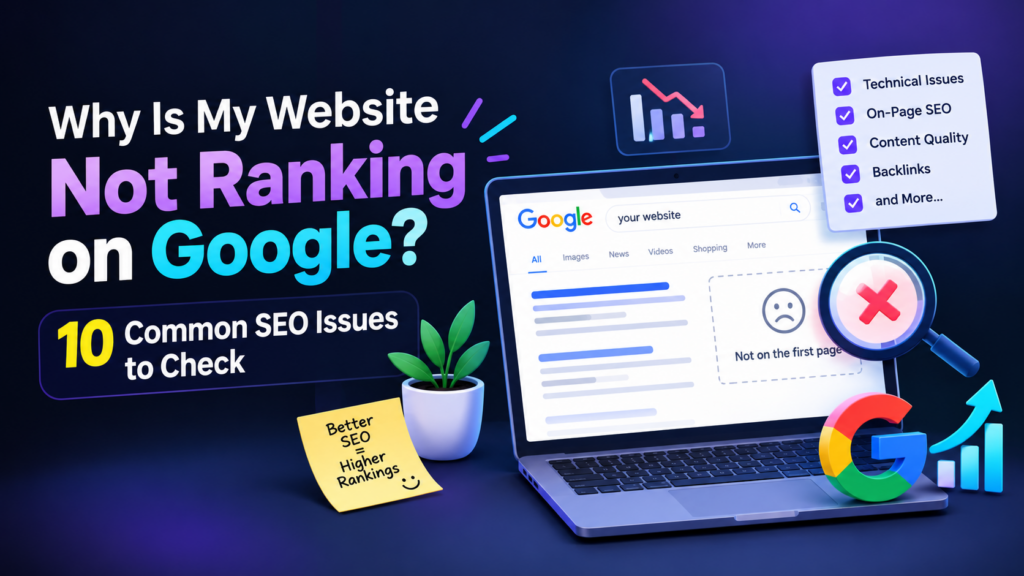
Having a website is an important step in building an online presence, but simply publishing a website does not guarantee that people will find it on Google. Many business owners invest time in creating their websites but struggle to attract organic traffic or appear in relevant search results.
If your website is not ranking on Google, several factors could be responsible. These may include indexing problems, poor keyword targeting, unhelpful content, slow loading speed, or a lack of relevant links between your pages.
The good news is that you can investigate these issues and take practical steps to improve your website’s search visibility. In this guide, we will explore ten common SEO issues and explain how to address them.
1. Your Website May Not Be Indexed by Google
Before your website can appear in Google search results, Google needs to discover and index its pages. If a page is not indexed, it generally cannot appear in ordinary search results.
You can check whether Google has indexed your website by searching for it site:yourdomain.com on Google. This is a useful preliminary check, although Google Search Console provides more detailed information.
How to fix it:
Set up Google Search Console.
Inspect important URLs using the URL Inspection tool.
Submit your XML sitemap when appropriate.
Check for accidental
noindexdirectives or crawling restrictions.Fix technical issues preventing Google from accessing important pages.
2. You Are Targeting the Wrong Keywords
Choosing keywords without understanding what your audience searches for can make it difficult to attract relevant visitors.
For example, a local digital marketer may benefit more from targeting a relevant phrase such as “SEO services in Malappuram” than relying only on a broad term such as “marketing.”
The best keywords depend on your services, audience, competition, and search intent.
What you can do: Research relevant keywords and use them naturally in your page titles, headings, URLs, and content.
3. Your Content Does Not Answer the Searcher's Question
People visit Google because they want information, solutions, comparisons, or services. If your page does not answer their question clearly, it may not be competitive with other useful pages.
A short paragraph that only repeats a keyword may not provide enough information to help readers.
How to fix it:
Create original content that answers the main question, explains the topic with practical examples, and helps readers decide what to do next. Organise the content with clear headings, short paragraphs, and relevant images where useful.
4. Your Website Has Weak On-Page SEO
On-page SEO helps search engines and visitors understand the purpose of each page. Missing or unclear title tags, vague headings, and poorly structured content can make a page less effective.
How to fix it:
Write a unique, descriptive SEO title for every important page.
Create a useful meta description.
Use a clear main heading and logical subheadings.
Include relevant keywords naturally.
Add descriptive image alt text.
Link to other relevant pages on your website.
Avoid stuffing keywords into every heading or paragraph. Clear communication should come first.
5. Your Website Loads Slowly
Website performance affects the experience people have when visiting your pages. Slow loading, unstable layouts, and unresponsive elements can make it harder for visitors to use your website.
How to fix it:
Compress large images, use modern image formats such as WebP where suitable, remove unnecessary plugins, and review caching and hosting performance. Test your pages using Google PageSpeed Insights to identify specific performance issues.
6. Your Website Is Not Mobile-Friendly
Many people browse websites using mobile phones. If your text is difficult to read, buttons are too small, or sections overflow the screen, visitors may struggle to navigate your website.
How to fix it:
Use a responsive design, readable font sizes, appropriate spacing, and mobile-friendly navigation. Test your important pages on different screen sizes before publishing changes.
7. Your Pages Have Too Few Internal Links
Internal links connect one page of your website to another. They help visitors discover related information and help search engines understand the relationships between your pages.
For example, a blog about keyword research could link to your SEO services page and another article about on-page SEO.
How to fix it:
Add relevant internal links from your blogs to related articles and service pages. Use descriptive anchor text that explains what the linked page contains, and avoid adding links that do not help the reader.
8. Your Website Has Few Relevant Backlinks
Backlinks are links from other websites to your website. Relevant, trustworthy links can help search engines understand your website’s reputation and authority.
However, having more links does not automatically mean better rankings. Artificial or manipulative link-building practices can create problems.
How to fix it:
Publish useful resources, build genuine relationships with relevant businesses, contribute meaningful expertise to your industry, and earn links naturally. Focus on quality and relevance rather than buying large numbers of backlinks.
9. Your Local SEO Is Incomplete
If you provide services in a particular area, local search visibility can help potential customers discover your business. Your website should communicate clearly which services you offer and which locations you genuinely serve.
How to fix it:
Create useful service pages, provide accurate business information, and maintain an eligible Google Business Profile if you operate a qualifying local business. Encourage genuine customer reviews where appropriate and keep your contact details consistent.
Avoid creating multiple nearly identical location pages with only the place name changed.
10. You Are Not Tracking Your SEO Performance
Without monitoring your website, it can be difficult to understand whether your SEO work is helping. You might be improving impressions without increasing clicks, or attracting visitors through keywords that are not relevant to your services.
How to fix it:
Use Google Search Console to monitor search queries, impressions, clicks, indexing, and page performance. Google Analytics can provide additional information about website visits and user activity.
Review the data regularly, identify pages that need improvement, and make changes based on evidence rather than assumptions.
How Long Does SEO Take to Improve Rankings?
SEO is an ongoing process, and results vary depending on competition, website history, technical problems, content quality, and other factors. Some technical improvements may show up relatively quickly, while meaningful ranking changes can take much longer.
Instead of expecting immediate results, establish a baseline, fix the most important issues, publish useful content, and track progress over time.
improvements, and technical checks can support your website’s search visibility.
Conclusion
If your website is not ranking on Google, do not assume that you need to redesign the entire website or publish dozens of new blogs. Start by identifying the actual problems.
Check indexing, improve keyword targeting, create helpful content, strengthen internal links, improve website performance, and monitor your results through Google Search Console.
Consistent SEO work can help make your website more useful to visitors and easier for search engines to understand. Focus on solving real problems for your audience rather than trying to manipulate rankings.
Need help improving your website’s SEO? Explore my SEO services to learn how keyword research, on-page optimisation, content improvements, and technical checks can support your website’s search visibility.